


How to roll back from Windows 10 Preview to Windows Phone 8.1
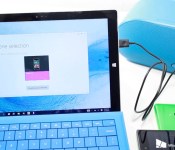

It has been a week since Windows 10 Preview for phone was released and you’ve probably realized that it is far from being finished. While you had fun checking out the Preview, you want to go back to a more stable build. If you want to roll back to Windows Phone 8.1, Microsoft has made it really simple. You’ll need a computer, your phone, a USB cable, and the Windows Phone Recovery Tool. Watch our step-by-step instructions on video.
 AIVAnet