Android 6.0.1 arriving on Nexus devices today, includes new emoji

We already knew that a ton of new emoji were slated to hit Android devices sometime soon, thanks to a recent tweet from Hiroshi Lockheimer, Senior VP of Android, Chrome OS, and Chromecast at Google. As it turns out, the new emoji are arriving on Nexus devices starting today, as part of the update to Android 6.0.1 Marshmallow.

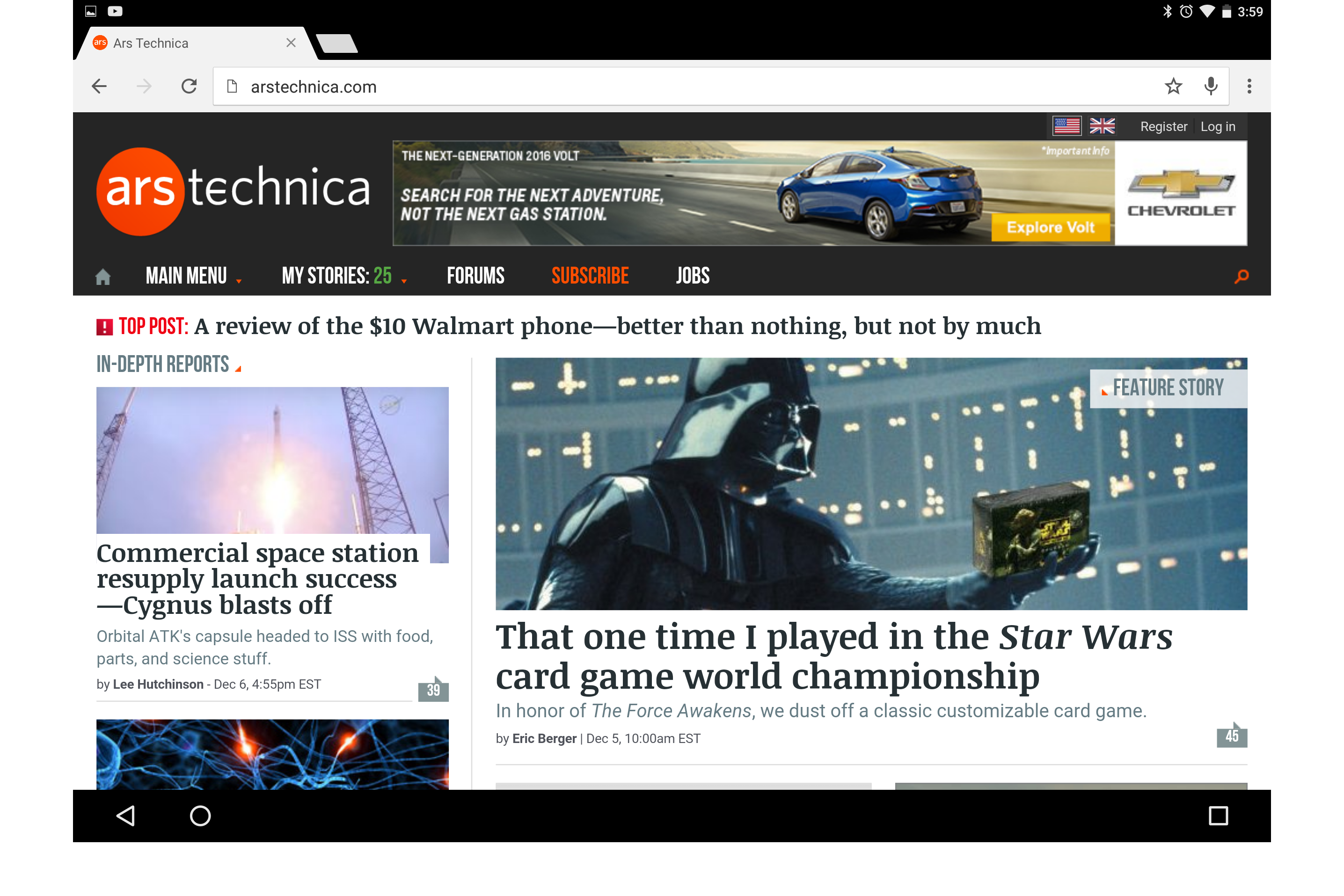
The biggest change in the update to 6.0.1, according to Ars Technica, is the addition of over 200 new and revamped emoji based on Unicode 8. Mainly, the poop emoji has been redesigned, and all of the odd pink body parts that appeared in past emoji packs have now been turned to a yellow skin tone. A full list of the new and revamped emoji can be found at Unicode’s website. Adding new emoji to the Google Keyboard application actually requires a full system update. Although the Google Keyboard app can be updated on its on in the Play Store, fonts are tied to the system itself, hence the need for a full update.
 See also: Android 6.0 Marshmallow updates roundup – December 4, 2015

Additionally, Android 6.0.1 brings a change for the nav bar on Android tablets. According to Ars, the buttons are no longer centered. The back and home buttons now sit on the left side, while the overview (recent apps) button sits on the right. This is obviously a move to help tablet users more easily reach the buttons, but it does look quite odd a first glance.
Android 6.0.1 is also being counted as the monthly security update for the month of December, so users can also expect a number of security fixes and performance improvements in this update.
As was the case with Android 6.0, the update should be available for the Nexus 5, Nexus 5X, Nexus 6, Nexus 6P, Nexus Player, Nexus 7 (2013) and Nexus 9. We’ll be sure to update you as we learn more.
Nexus in video
.rvs_wrapper
width: 350px;
.rvs_wrapper.align_left
float: left;
.rvs_wrapper.align_right
float: right;
.rvs_wrapper.align_center,
.rvs_wrapper.align_none
width: 100%;
.rvs_wrapper.align_center
text-align: center;
.rvs_wrapper.align_center.cbc-latest-videos ul li
float: none;
display: inline-block;
vertical-align: top;
.rvs_wrapper.cbc-latest-videos:not(.align_none) ul li:nth-child(2n+1)
clear: both;
.rvs_title
font-weight: 600 !important;
margin: 0 !important;
font-size: 24px !important;
.rvs_wrapper.align_right .rvs_title
padding-left: 20px;
.rvs_title a
font-family: ‘Roboto Condensed’;
color: #3a3a3a;
.rvs_wrapper.cbc-latest-videos ul
padding-top: 10px;
.rvs_wrapper.align_left.cbc-latest-videos ul li,
.rvs_wrapper.align_none.cbc-latest-videos ul li
padding: 0 15px 0 0;
.rvs_wrapper.align_right.cbc-latest-videos ul li
padding: 0 0 0 15px;
float: right;
.rvs_wrapper.align_center.cbc-latest-videos ul li
padding: 0 7px;
.rvs_wrapper.cbc-latest-videos ul li > a
font-weight: 400;
.rvs_wrapper.cbc-latest-videos ul li > a .yt-thumbnail
margin-bottom: 0;
@media only screen and (min-width : 480px)
body #page .rvs_wrapper.cbc-latest-videos ul
width: 100% !important;
@media only screen and (max-width : 480px)
body #page .rvs_wrapper.cbc-latest-videos
width: 100%;
float: none !important;
overflow-x: auto;
overflow-y: hidden;
body #page .rvs_wrapper.cbc-latest-videos ul
overflow: auto;
max-height: none;
body .rvs_wrapper.cbc-latest-videos ul li
float: left !important;
clear: none !important;

 AIVAnet