


How to take a screenshot on the Blu Vivo Air
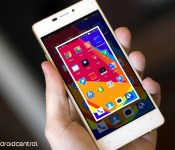

Want to take a screenshot on your Blu Vivo Air? Here’s how!
Taking a screenshot on the super-slim Blu Vivo Air is incredibly easy: you hold down two buttons. Which two? Glad you asked. Power and volume down. And as it would turn out, both of these buttons are on the left side of the device, and if you’re holding the Vivo Air in your left hand, they fall right under your left thumb. So while you can use two of your phalanges to trigger the screenshot, with a bit of practice you can use just your left thumb.
 AIVAnet