


iOS 8 Beta 4 Tidbits: Tips App, Control Center Redesign, New Display Options
Apple today released the fourth beta of iOS 8, which brings a number of improvements, changes, and bug fixes to the beta software that was first introduced on June 2.
iOS 8 beta 4 includes several minor interface tweaks and modifications that make the beta feel both faster and more polished. We’ve gathered up a comprehensive list of the enhancements that have been bundled into the release below, and to find out about all of the under-the-radar tweaks in iOS 8 so far, make sure to check out our iOS 8 Hidden Features Roundup.
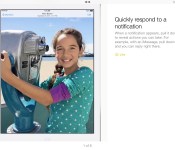
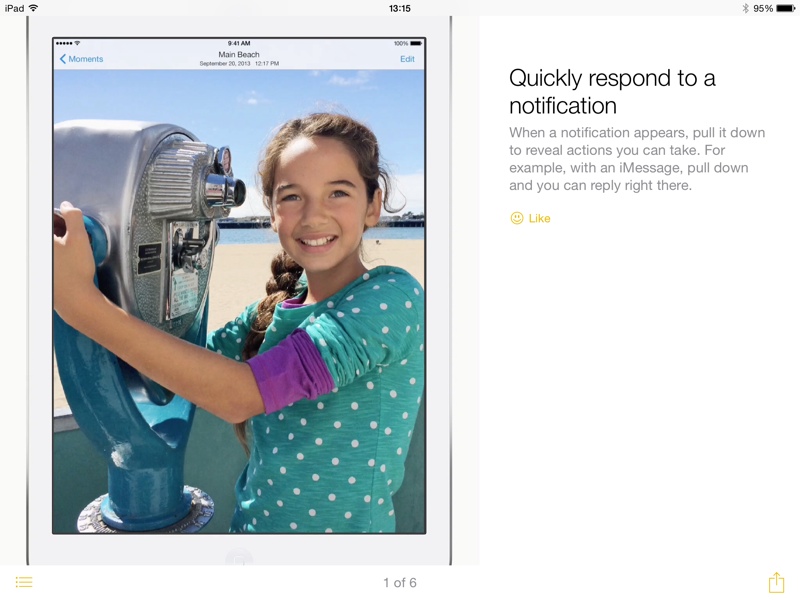
Tips: The Tips app that was first hinted at during WWDC has surfaced in iOS 8 beta 4, giving users tips on how to use iOS 8 on a weekly basis. For example, there are directions on using quick notification responses, sending voice messages, using notifications for Mail responses, activating Siri hands-free, and more. The Tips app is a default iOS app and cannot be uninstalled.
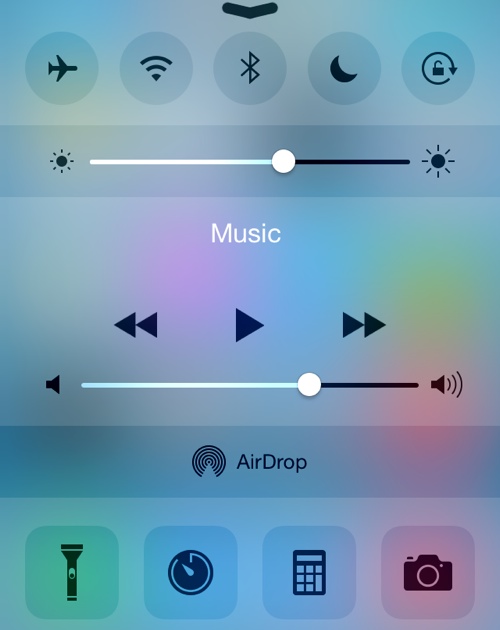
Control Center: The Control Center has seen a redesign that removes the black borders around the icons on the top and bottom and turns icons white when activated.
Display Settings: There’s a new Display & Brightness section that’s been unbundled from Wallpaper, with options to adjust screen brightness, text size, and activate bold text.
HomeKit: The Privacy section of the Settings app has gained a new Home Data icon.
Messages: The Messages section of the Settings app has new options for Message storage that includes separate expiration options for Audio and Video Messages.
Additional features in iOS 8 beta 4 will be added here as they are discovered. Apple is likely to continue pushing regular updates to iOS 8 at two or three-week intervals to bring minor performance boosts and changes ahead of the operating system’s launch. iOS 8 is expected to be released to the public in the fall. For more information on iOS 8′s features, major and minor, make sure to check out our roundups.
 AIVAnet