


How to transfer data from a PlayStation 4 to a PlayStation 4 Pro
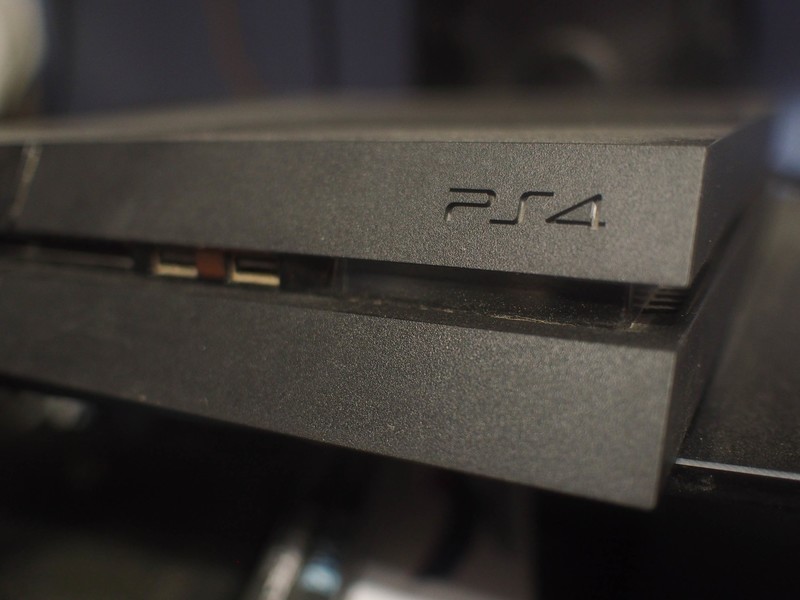
Moving your saved games, trophies, and more, is easy with PlayStation 4.
PlayStation 4 delivers dozens of excellent experiences, including access to VR games if you pony up for PlayStation VR. If you’ve just upgraded from a PlayStation 4 to a PlayStation 4 Pro, you might be trying to figure out how to move all of your saved games and other data. We have the details for you right here!
How to transfer your data
Sony has made transferring your data from one PlayStation 4 console to another pretty simple to do. You’ll need both consoles, an internet connection, and a LAN cable in order to do it, but that’s all. With the Software 4.0 update, transferring data is essentially built into your console.
Transferring your data means that your saves, trophies, downloaded games, folders, screenshots, and more all get copied from your original console over to your new PlayStation 4. This does not cover your passwords, on un-synced trophy data, so you’ll want to ensure everything is up to date before starting your transfer.
Check that both consoles have received the 4.0 software update.
Turn on both consoles, and make sure they are connected to the same network using Wi-Fi or LAN cables.
Sign into your PlayStation Network account on the new console.
Select Transfer data to a new console at the bottom of your screen.
Press and hold the PlayStation button on the controller connected to your old console until you hear a beep.
Connect your consoles to the same Wi-Fi network or attach them using LAN cables.
Select the data you want to transfer, and select Next.
Activate your PlayStation 4 Pro as your primary console.
Questions?
Do you still have questions about how to transfer your data? Have you had issues with this method? Be sure to let us know about it in the comments below!
PlayStation 4
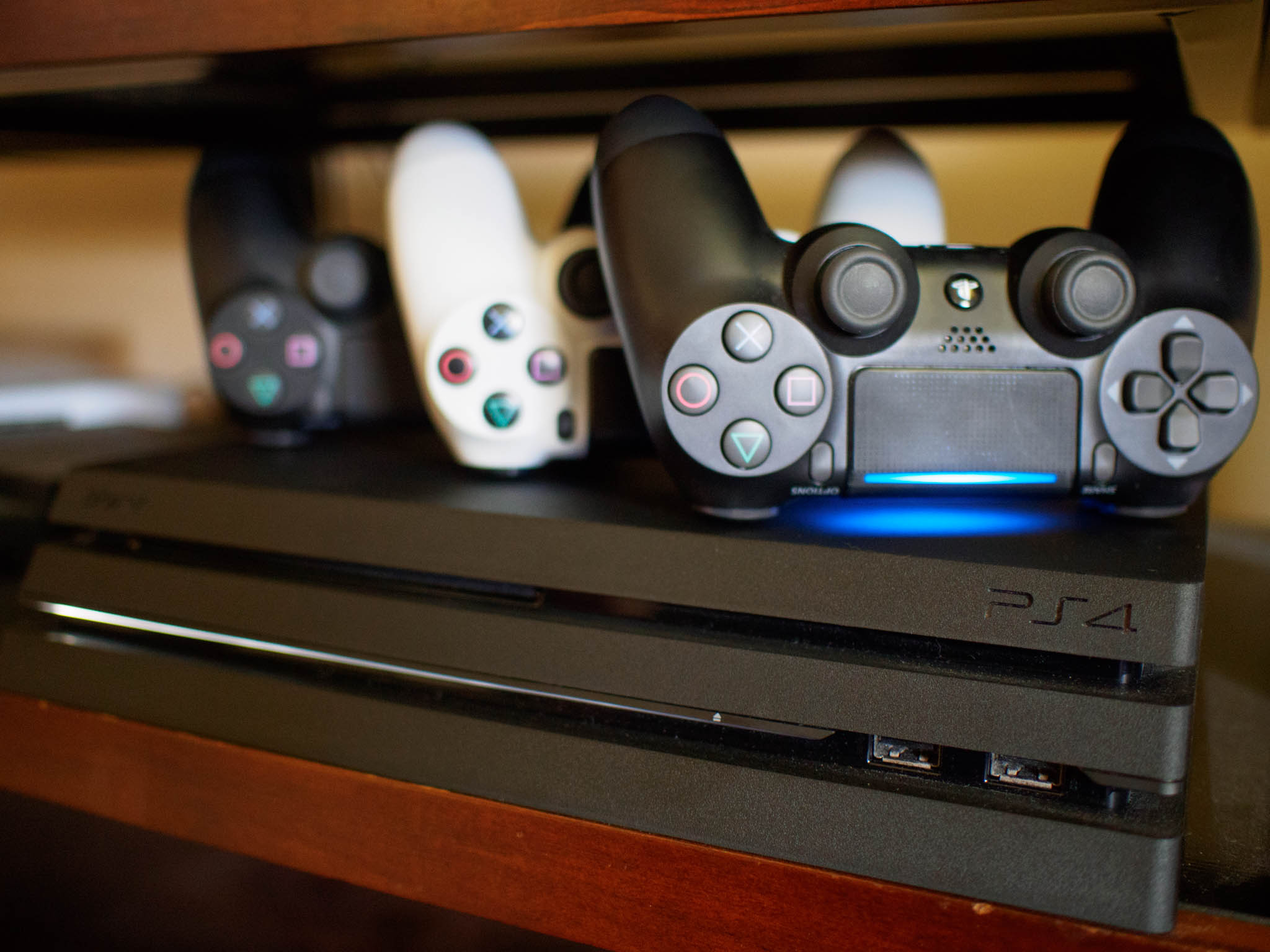
- PS4 vs. PS4 Slim vs. PS4 Pro: Which should you buy?
- PlayStation VR Review
- Playing PS4 games through your phone is awesome
Amazon
Add a Philips Hue Motion Sensor to your setup for just $32 today
Our friends at Thrifter are back again, this time with a must-have Philips Hue accessory!
Being able to control your Philips Hue lights from your phone, or via your voice, is awesome, but when you have stuff in your hands or want to be quiet, it’s less than ideal. Luckily, there are other options available for controlling your lights, and one of the easiest is the Hue Motion Sensor. Amazon currently has it listed for just $31.98 which happens to be its lowest price yet. It normally sells for $40.

- Light up a room simply by walking in and control the intensity by the time of day, such as a gentle, warm night light to help you navigate your home at night.
- Battery powered, wireless, and installation free, this Hue Motion Sensor requires the Hue Bridge (sold separately) to work, connecting to your Hue system with control via the Philips Hue App.
- Place it anywhere in your home including your hallway, bathroom, kitchen, and more. The integrated light sensor saves energy by detecting when rooms are vacant and automatically turning off lights.
- Make it part of your Hue home lighting system with Hue accessories (sold separately) such as the Hue Tap or Hue Motion Sensor. Control by voice with Amazon Alexa, Apple HomeKit, and Google Assistant.
- Connect it with your Nest or Samsung SmartThings system. Each kit includes one Hue Motion Sensor with two AAA alkaline batteries, a magnet, screws, a manual, and a two-year warranty.
This is a great addition to any Philips Hue setup that you have. Be sure to grab one now, before the price jumps back up again!
See at Amazon
More from Thrifter
- How to save money on gas during your next fill up
- Tips for leveraging Uber as a side gig
For more great deals be sure to check out our friends at Thrifter now!
7 Essential Phone Accessories for College Students

Be prepared to head back to school with these great phone accessories.intro
We’re in the waning days of summer, which means that the new school year is just around the corner. Sure you’ve got your book list and all the supplies you need to get your work done, but you should also consider some phone accessories, so you’re ready to dominate the college experience. That means never worrying about keeping your phone charged and sprucing up your dorm room with cool tech that works seamlessly with your Android phone.
We’ve got some quick recommendations for accessories you need to pack before heading back to campus.
- Battery pack
- Wall charger
- Extra charging cables
- Chromecast
- Bluetooth speaker
- Style Ring
Battery pack

College life can be really busy, and you might not have the time to stand around tethered to the wall waiting for your phone to charge. That’s where a quality battery pack comes in real handy.
The Anker PowerCore 10000 is a great option that holds 10,000mAh of power, which Anker claims will charge most phones at least three times or a tablet at least once. Thanks to Qualcomm’s Quick Charge 3.0 technology, it should charge a compatible phone up to 80% in around 35 minutes, so you can get on with your day without worrying about your phone’s battery life. And best of all, the PowerCore 10000 is about the size of a deck of cards, making it incredibly portable — it fits perfectly into a pants pocket or bag.
You won’t have to worry about this charger overcharging your phone or causing damage; the PowerCore 10000 has surge protection and temperature control to keep both your device and you safe when the phone is charging. Best of all is the price, starting at around $30.
If you’re looking for other battery pack recommendations we’ve got you covered:
Best portable batteries for under $25
See at Amazon
Wall charger

A spare wall charger is one of those accessories that you can leave in your backpack and know that it’s always there for you when you need it. But which wall charger you buy is going to depend slightly on the phone you’re using.
If you’ve got a Samsung, LG, HTC, Sony, or Motorola phone (or any other phone that uses Qualcomm Quick Charge), we’d recommend the Aukey dual-port Quick Charge 3.0 wall charger. It supports both the latest rapid-charging standards, and is also backwards compatible with Quick Charge 2.0. Best of all, you can charge two devices simultaneously at full speed, which is great for sharing your charger with a study buddy.
Check out our list of best wall chargers for other recommendations if you own a OnePlus, Huawei, or Google phone, but otherwise grab the Aukey wall charger for $20 on Amazon.
See at Amazon
Extra charging cables

Along the same line as the wall charger, a charging cable is another thing that’s seemingly always in short supply when you need one. If you’re not looking for one yourself, it’s your friends and classmates asking to borrow one.
Fortunately, it’s fairly cheap to stock up on some quality cables. Depending on what your device uses, check out our list of the best Micro-USB cables or check out this 5-pack of USB-C cables from Aukey, available for around $15.
See at Amazon
Chromecast

Dorm room entertainment options can be quite lacking, but a Chromecast is the easiest way to change that! All you need is a TV with an HDMI port and an extra power outlet and you’re ready to cast video, music, and games from a ton of different apps all over Wi-Fi.
There are three styles of Chromecast to choose from, which are all completely controllable from your phone. There’s the 2015 edition of the Chromecast, which are both around $45 and the Chromecast Ultra at $90, which supports 4K. If you don’t have a 4K TV in your dorm, you’d be fine saving some money on the older edition of the Chromecast.
Then there’s also the Chromecast Audio, which plugs into the input on the back of your favorite pair of speakers and lets you cast music from your phone over Wi-Fi. Chromecast works pretty flawlessly with Android and will take your Netflix and Chill to the next level (because it’s college, right?).
See at Google
Bluetooth speaker

On the subject of dorm room entertainment, you’re going to want a quality Bluetooth speaker that sounds great and is portable enough to take with you to the park.
I’ll recommend the new SoundCore Boost from Anker. It features BassUp technology that gives an extra boost of low end to all your music. It’s also water-resistant, supports NFC pairing, and boasts 12 hours of playback time when fully charged.
Available on Amazon for around $80, it’s actually one of the best values you’ll find, but if you’re looking for more recommendations we’ve got a list of other great portable Bluetooth speakers.
See at Amazon
Style Ring

I’m a huge fan of the Spigen Style Ring because it’s got so many different uses. For starters, it’s designed to help you with your grip — simply slip your finger through the ring and your phone isn’t going anywhere. You can also use it as a kickstand for watching Netflix or YouTube while you’re studying, and it also includes a minimalist mounting hook for your car.
It’s compatible with most smartphones with a flat back and can be applied directly to your phone or to a case.
PopSockets vs. Spigen Style Ring: Which grip should you stick to your phone?
You may have seen comparable grip accessories such as the PopSocket, which offers much of the same functionality just with a different design. It’s also available in a bunch of different colors and styles, so check them both out and pick the one that’s right for you.
See at Amazon
What accessories would you recommend?
Whether you’re a current college student or a graduate, we’d love to hear what you’d recommend. Share your opinions in the comments below!
Google Play Music and YouTube Red to merge into single service
YouTube Red and Google Play Music will eventually merge to create a new service. The move comes after months of speculation following Google’s decision back in February to combine its YouTube and Play Music teams. According to The Verge, YouTube Music head Lyor Cohen said the company wanted to merge the services to help “educate consumers and bring in new subscribers”.
Google’s complicated music offering currently spans three different apps. YouTube Music is a free app open to everyone but offers an enhanced experience if you’re also signed up to YouTube Red, which gets rid of adverts on videos and lets you save them offline. People who sign up for YouTube Red also get access to Google Play Music, which is basically Google’s version of Spotify. At the same time, people who sign up for Play Music will also get YouTube Red’s benefits — if you sign up for one, you get the other free.
It’s not yet clear whether the two apps will merge — it seems unlikely, because they have such separate focuses. One streams music, the other plays videos; combining them wouldn’t exactly make things simpler. The move doesn’t herald a major change for users (Google said it”ll notify users of any changes before they happen), so it’s not clear exactly how Google plans to “merge” things, but at least it shows it’s thinking about making things easier for customers.
Via: The Verge
LG’s G6 wasn’t the hit phone the company craves
After almost breaking even last quarter, LG’s mobile division is back to its subpar self. In the last three months, the manufacturer’s handsets lost it $117.27 million. The company is pinning the blame on “weaker than expected” premium smartphone sales — all but admitting that the LG G6 is not shifting units.
Despite improving on its predecessor’s modular eccentricities, the LG G6 fell short of the Galaxy S8 (but then again, so did most Android phones). The flagship’s lacklustre sales will do little to stem anxiety over its beefed-up successor, the G6+.
As in the past, LG’s other primary divisions came to its rescue in the quarter. LG appliances posted an operating profit of KRW 466 billion ($418 million), buoyed by solid sales of its washing machines and refrigerators. Its television business was another highlight, banking a respectable KRW 343 billion ($308 million) profit thanks to growing demand for its pricey OLED TVs. Overall, LG’s operating income came in at KRW 664.1 billion ($588 million), and its revenue rose 3.9 percent to 14.6 trillion won ($12.9 billion).
Now on its ninth consecutive quarterly loss, the manufacturer’s mobile division remains the proverbial thorn in its side. The results will sting a bit more in the wake of Samsung’s record quarterly earnings, which included an annual rise in smartphone sales. Nonetheless, LG will be relying on its upcoming trio of mid-range phones to help resurrect its smartphone business in the second half of the year.
Source: LG (1), (PDF)
US scientists have genetically modified human embryos
A team of scientists from Oregon have performed the first known instance of gene editing on human embryos in the US, according to MIT’s Tech Review. Shoukhrat Mitalipov from Oregon Health and Science University and his team have reportedly corrected defective genes that cause inherited diseases in “a large number of one-cell embryos” using CRISPR. Mitalipov refused to comment on the results of the project, but some of his collaborators already confirmed them to the publication.
Up until now, reports about human-related gene editing usually come from outside the US. China, in particular, hasn’t been holding back when it comes to CRISPR experimentation. Scientists from the country were the first to use the technique on human embryos to repair a gene that causes fatal blood disorder. A team of oncologists from Sichuan University also conducted the first CRISPR human trial on a patient suffering from an aggressive form of lung cancer.
In the US, Congress blocked clinical trials that involve genetically modifying human embryos. The practice raises a lot of ethical concerns, after all, with critics being especially worried that it could lead to designer babies. The National Academy of Sciences issued a report in early 2017 endorsing human germline modification, though, and that’s exactly what Mitalipov’s group did. Modifying an embryo to eradicate heritable diseases is called “germline engineering,” because the child born from that embryo will pass on the changes with his or her germ (egg or sperm) cells.
We won’t find out if that’s true with Mitalipov’s study, because it was never meant to be a clinical trial. The team didn’t allow the embryos to develop for more than a couple of days, and they were never meant to be implanted into a womb. What we’ve found out, however, is that it’s possible to use CRISPR to edit embryos without causing an error called “mosaicism.” In previous attempts by Chinese scientists, CRISPR caused an editing error wherein the DNA changes they made were only taken up by some, not all, of the cells the embryos developed.
The Oregon group managed to avoid that problem by injecting CRISPR segments — DNA segments used to cut out unwanted genes — and sperm cells into the eggs at the same time. It’s unclear what illnesses were involved exactly, but they used sperm donated by subjects with various inheritable diseases. One of the scientists familiar with the study told Tech Review:
“It is proof of principle that it can work. They significantly reduced mosaicism. I don’t think it’s the start of clinical trials yet, but it does take it further than anyone has before.”
The team’s results are still pending publication, so we’ll likely hear more details about the study in the future.
Source: MIT Technology Review
Samsung’s PhoneCast app streams videos to your Gear VR
Samsung’s Gear VR has a sweet 200-inch virtual screen you can use to watch videos. Unfortunately, what you can watch is limited by the fact that it’s not compatible with third-party apps. The good news is that the Korean conglomerate’s new application called PhoneCast can fix that issue. PhoneCast makes various third-party video services compatible with the VR headset, allowing you to stream videos to its gigantic virtual screen.
Based on the images SamMobile posted, launching PhoneCast takes you to a lakeside picnic area that serves as the screen’s background. You’ll be able to adjust the video’s brightness and the display’s size within its interface, as well, so you can customize the picture for your eyes. While it won’t make every third-party video and streaming app compatible with the Gear VR, it will work with quite a lengthy list of programs:
Plex
Vudu
Epix
Hulu
Tubi TV
Crackle
YouTube
NFL
Musically
Kodi
Naver TV
V Live
Kakao TV Live
Smart DMB
Africa TV
Naver Webtoon
Oksusu
Olleh TV Mobile
LTE Video Portal
VLC
Xfinity
Sling TV
MX Player
PhoneCast is still in beta, so you won’t find it in any app store, but you can download it from SamMobile’s APK’s store and install it on your device.
Source: SamMobile, Samsung
Samsung’s budget phones are cheap, but that’s not enough
Samsung leads the pack when it comes to high-end Android phones, but its understanding of the mid-range and budget market is seriously lacking. On Monday, the company unveiled its new Galaxy J7 and J3 unlocked handsets, which cost $220 and $150 respectively. For those pocket-friendly prices, you’re getting the Galaxy branding and, really, not much else. It’s not enough to simply be cheap anymore. A budget phone needs to deliver a solid — and modern — experience. This is a lesson that its rivals, especially ZTE, have learned, but Sammy seems content to flesh out its lineup with aging tech.
Let’s first look at what’s inside these subpar Galaxy-branded phones. In addition to a 1.6GHz octa-core processor and an 8-megapixel rear camera, the Galaxy J7 packs a 5.5-inch display that has a resolution of merely 720p. As our own Chris Velazco put it, “You’ll cut your eyes on those jagged edges.” The J7’s one redeeming feature is that you can swap out its removable 3,300mAh battery, although if that’s all the phone has going for it you might as well swap out the handset altogether.
Things get really bleak when you compare the J7’s specs with other phones at the same price (or in some cases, that are cheaper). In that range, you have the Huawei Honor 6x ($200), the Moto G5 Plus ($230) and the ZTE Blade V8 Pro ($230), which all offer sharper 1080p displays. The Honor and Blade both sport 5.5-inch screens, while the Moto’s comes in 5- or 5.2-inch variants. They all have much higher pixel density and produce crisper images.

All three have better cameras than the J7, too. Both the Honor and Blade offer dual-camera systems, which create that artificial depth-of-field / blurred-out background effect everyone loves so much. The G5 Plus only has one camera, but it’s the same 12-megapixel one found on the Galaxy S7, which is an excellent shooter. The J7, in contrast, has a measly 8-megapixel rear sensor and a 5MP setup in front.
The trio of rivals also have comparable batteries. The Honor has a 3,340mAh cell, the Blade’s is 3,140mAh, while the Moto offers just 3,000mAh. None of these are removable, though, so the Galaxy J7 has the slight upper hand (for those who care about swapping out a battery pack, anyway).
But then there’s the processors. The Honor uses Huawei’s own 2.0GHz octa-core Kirin 655 chipset, while the Blade and Moto both use 2.0GHz octa-core Snapdragon CPUs. By comparison, the J7’s 1.6GHz chip is practically lethargic.

More-established budget phone makers already know the importance of the illusion of quality. ZTE, in particular, learned from its failed crowdfunding project that its customers want a near-premium set of specs. For its crowdsourced eye-detecting handset, the company initially proposed a mid-range set of components to keep costs low. After people complained about the unimpressive specs, ZTE has scrapped the Kickstarter and is now working on bringing a better-equipped device to market.
But, ZTE learned its lesson. Samsung clearly doesn’t understand what people expect from a budget phone today. In fact, it should be ashamed of slapping a 720p screen on a 5.5-inch device. The J7 and J7 Plus feel like they were designed for another country or even another time… specifically 2012. If you are considering a low-cost phone and only have $220 to spare, there are plenty of better options.
TransferWise Now Supports Apple Pay For U.S. Dollar Transfers
TransferWise has updated its iPhone and iPad app this week with Apple Pay support for U.S. dollar transfers.
Now, users can simply add a debit or credit card to the Wallet app and select it as a payment method in the TransferWise app.
TransferWise said Apple Pay integration is also being rolled out in Australia, Switzerland, France, Spain, Ireland, and Italy, according to Reuters. Apple Pay is already supported for British pound transfers.
TransferWise is a London-based startup that provides foreign currency exchange using real mid-market rates. It charges a transfer fee of 0.5 to 1.5 percent for most currencies, which is often significantly cheaper than banks.
TransferWise version 3.1.2 is available as a free update on the App Store [Direct Link] for iPhone and iPad.
Related Roundup: Apple Pay
Discuss this article in our forums
GoPro iOS App Launches ‘QuikStories’ With Automatic Video Editing Features
GoPro today announced a new feature for its iOS and Android applications called “QuikStories,” launching within a rebranded app that’s now simply called “GoPro” [Direct Link], which works in conjunction with another app called “Quik” [Direct Link]. The company described QuikStories as way for users to easily share cool experiences to social media that they captured on a HERO5 camera.
Similar to Apple’s Memories feature in the iOS Photos app, QuikStories accumulates recent footage captured by the user and generates easily-shareable videos on the user’s smartphone. This removes the need for users to go through a cumbersome editing process for shorter-length footage that they just want to share to social networks like Instagram and Snapchat.
To make a QuikStory, users have to pair a HERO5 Black or HERO5 Session GoPro device with their smartphone, open the main GoPro app, and pull down on the home screen, which begins the process of copying the latest footage to create the QuikStory. The main app communicates with the Quik app so users don’t have to jump between the two.
“QuikStories is our biggest leap forward since the invention of the GoPro itself,” says GoPro founder and CEO, Nicholas Woodman. “QuikStories is the simple storytelling solution our customers have been dreaming about for years. It’s an absolute game changer.”
If deeper customization is desired, users can also add their own text, slow motion and speed effects, alternate filters and soundtracks, edit the video’s length, and more. On the Quik app’s description within the App Store, the company said that transitions are automatically synced to the beat of the chosen song, with users able to import their own music from iCloud Drive, Dropbox, Google Drive, and more.
Users can leave the app while GoPro creates their QuikStory, and then a push notification will alert them when it’s ready. From there, it can be shared on Instagram, WhatsApp, Snapchat, Facebook, and via text and email directly from the GoPro app.
The main GoPro app, formerly known as Capture, is available to download from the iOS App Store for free [Direct Link].
Tag: GoPro
Discuss this article in our forums
 AIVAnet